Artificial intelligence has changed the way businesses approach branding, particularly in logo design. What used to require a significant amount of money and endless back-and-forth with professional designers can now be done in minutes with the rise of AI-powered logo makers.
These AI logo makers are now helping anyone who wants to launch their brand but doesn’t have the resources to create or hire professionals to make them professional logos.
AI logo makers can generate multiple design options instantly with just a business name or short prompt, making them invaluable to both aspiring and seasoned business owners, entrepreneurs, and creators.
However, finding the right AI logo maker can be overwhelming as there are now a huge number of platforms available. To help you pick the one that meets your needs, we have compiled a list of five of the best AI-powered logo makers.
Top 5 AI-Powered Logo Makers in 2026
Here are the five best AI-powered logo makers to consider for your branding needs. Each of them was assessed according to features, ease of use, and pricing.
1. Design.com — Best AI Logo Generator and Branding Platform
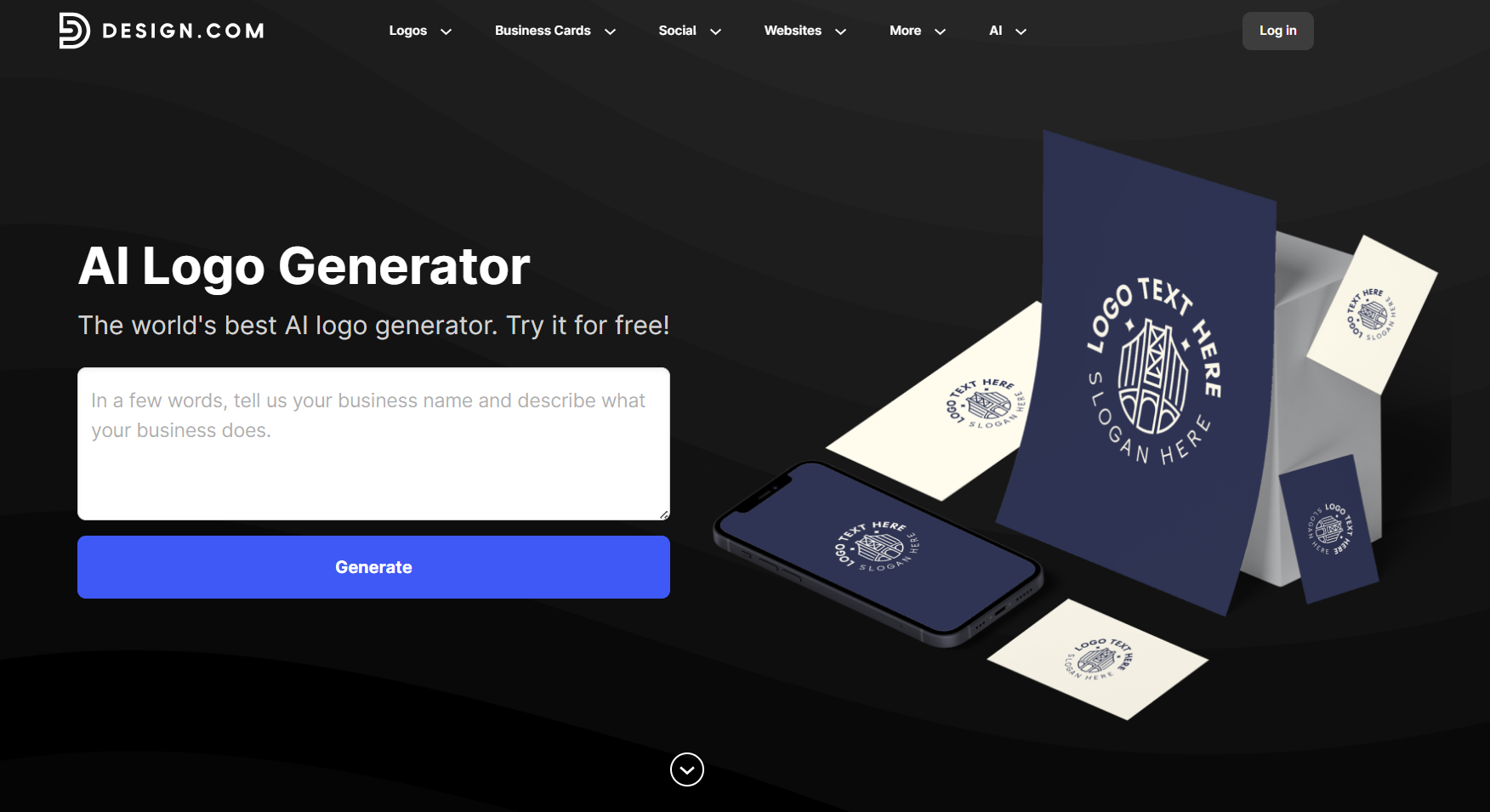
Design.com is more than just a logo maker; it’s an all-in-one design ecosystem. It has everything you need to build your brand, from a business name generator to social media graphics, websites, print materials, and more.
Features
- Library and assets: Access 360,000+ logo templates, over 1 million total design templates, 750+ fonts, and 62,000+ vector shapes professionally created and exclusive to Design.com.
- Ease of use: Generate and customize your logo templates on the beginner-friendly interface and its intuitive drag-and-drop editing.
- File formats: Save your logos in SVG, EPS, PDF, PNG, JPG, GIF, or MP4. Options for icons-only and transparent background are also available.
- Extra branding tools: Create social media posts, digital business cards, presentations, QR codes, letterheads, menus, and more after finalizing your logo.
- Pricing: Use Design.com’s free templates without upfront costs. Optional paid plans are available at $3 (Starter), $4 (Value), and $5 (Premium) per month when billed annually.
How it Works
- Enter your business name and industry – To start generating logos, provide your business name, industry, and other keywords to help the AI tailor logo concepts.
- Pick your preferred logo template – Choose the logo template that you think suits your business name and brand among the huge selection provided by the AI.
- Customize your design – Go straight to the editor and use the beginner-friendly built-in editor to easily edit the fonts, colors, layouts, icons, and backgrounds.
- Apply branding across assets – After finalizing your logo, you can extend your logo to business cards, social media posts, websites, and more using automatically branded templates.
- Download in multiple formats – Save your logo in your preferred file formats.
Design.com offers fast, versatile, and advanced AI solutions to help you create a complete and cohesive brand identity. It’s the best AI logo generator for new businesses or expanding brands.
2. BrandCrowd — Top AI Logo Generator for Seamless Branding
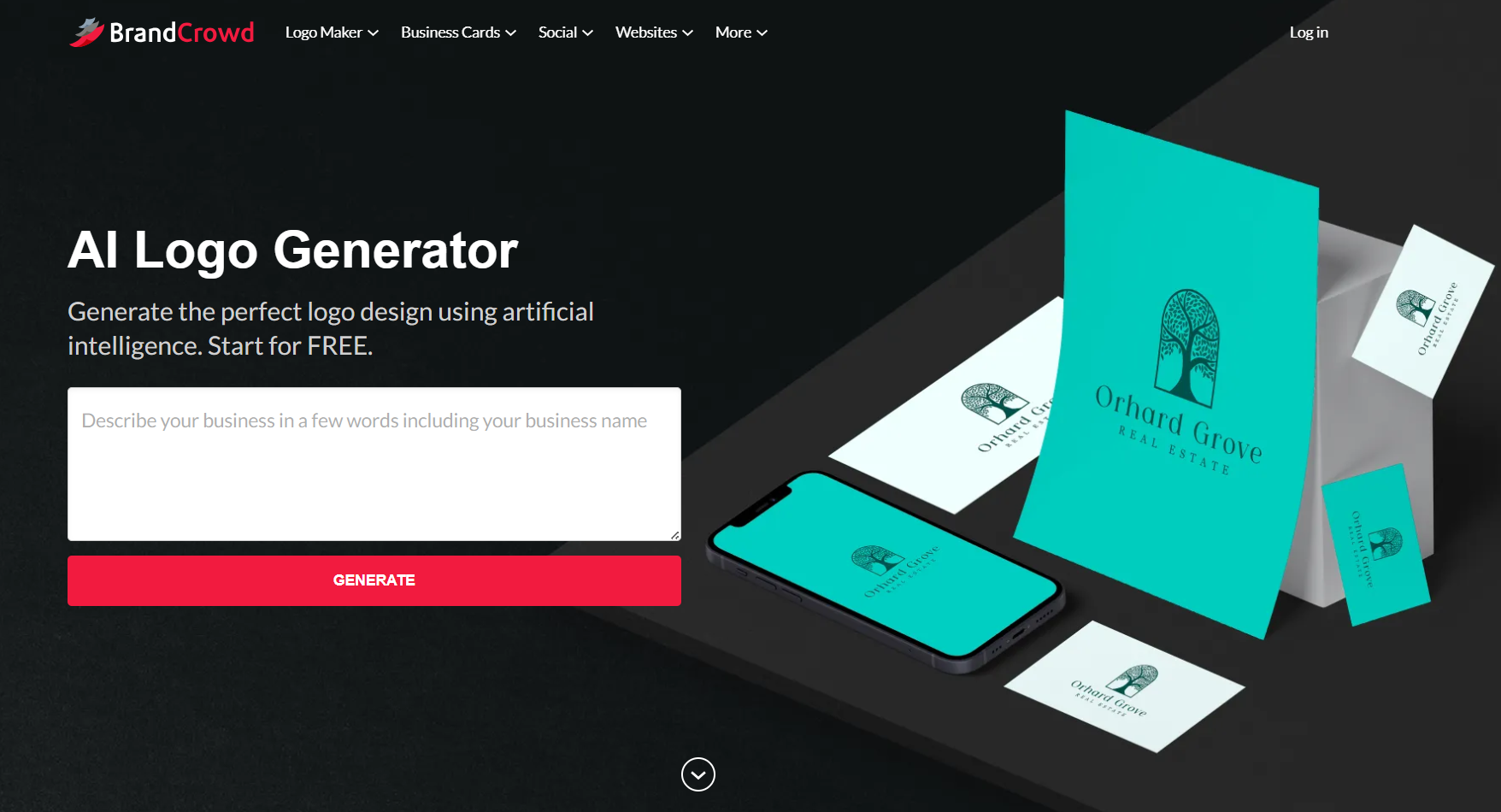
BrandCrowd specializes in creating logos that are fast and convenient, but also professional and high-quality. It’s the top AI logo generator for business owners, entrepreneurs, and creators who want outstanding logos without starting from scratch.
Features
- Library and assets: Explore a huge library of exclusive logo and design templates, fonts, and vector shapes created by professional designers worldwide.
- Ease of use: Edit logo templates with its easy-to-use editor built for non-designers.
- File formats: Export your files in SVG, EPS, PDF, PNG, JPG, GIF, or MP4. Icon-only and transparent options are also available.
- Extra branding tools: Make matching social media graphics, websites, business cards, flyers, presentations, letterheads, and more after creating your logo.
- Pricing: Customize and download free templates without any cost. Premium templates and full access to other brand tools, requiring subscriptions starting at $3/month (billed annually).
How it Works
- Enter your brand details – Provide your business name and other relevant keywords to start generating logos.
- Browse through the results and choose – BrandCrowd can generate thousands of results, all of which show your brand names on the templates. Just pick one that looks best for you.
- Edit with the logo editor – After choosing your template, the platform directs you to the editor, where you can customize colors, fonts, layouts, and icons using easy drag-and-drop tools.
- See your logos on other brand templates – BrandCrowd automatically integrates your logo design and colors on business cards, social media posts, and other marketing assets.
- Download and use commercially – Download your logo in multiple file formats and use them digitally or in printed materials.
Like Design.com, BrandCrowd is also more than just logos. With other features to help you create other marketing assets, it’s perfect for businesses that want consistent branding across all their marketing materials.
3. Canva — User-Friendly AI Logo and Design Suite
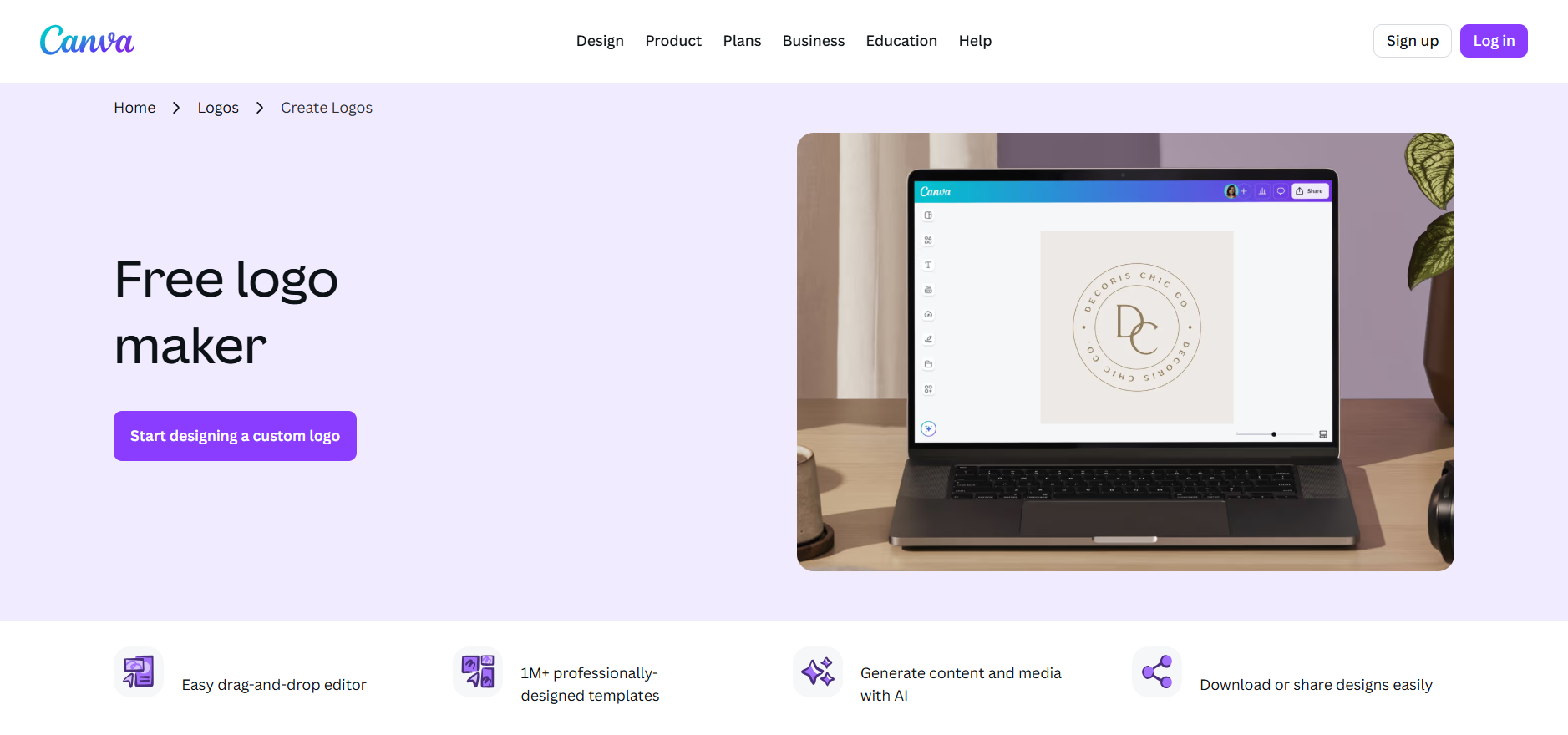
Canva is a popular go-to design platform for many people because of its accessibility and user-friendly interface. It allows you to create designs for different purposes, including logo creation. Its logo generator is one part of its comprehensive ecosystem.
Features
- Library and assets: Access thousands of logo templates and design elements suitable for various industries.
- Ease of use: Customize designs using the drag-and-drop interface built especially for first-time users.
- File formats: Save your logos in PNG, JPG, or PDF for free. Vector files require the Pro plan.
- Extra branding tools: Create social media posts, presentations, posters, print designs, and more on the same platform.
- Pricing: Use the free templates and other free assets without cost. Upgrade to Pro for $12.99/month to access more templates, brand kits, and advanced export options.
How it Works
- Search or generate a logo – Use Canva’s AI tools to generate the type of logo you need or search according to industry or style in the template library.
- Customize in the drag-and-drop editor – Change the text, colors, icons, and layouts with Canva’s beginner-friendly interface.
- Enhance with AI design tools – With a pro subscription, you can access advanced AI tools for more customization.
- Collaborate or get feedback – You can share your files with your team members for feedback or even allow them to make their own edits.
- Download your logo – You can export your final logo in PNG, JPG, or SVG (if you upgrade to Pro) for digital or print applications.
Canva enables anyone to design logos and other materials quickly and easily, like Design.com and BrandCrowd. It’s ideal for small businesses, creatives, and marketers who want simple and flexible AI-powered design tools.
4. QuillBot AI Logo Generator, Free Professional Logo Creation Without Watermarks

QuillBot’s AI Logo Generator stands out by offering completely free, watermark-free logo downloads with no hidden catches. It’s perfect for startups, small businesses, and content creators who need professional branding fast without breaking the bank or dealing with annoying watermarks that other “free” tools add.
Features
- Library and assets: Generate unlimited logo concepts using AI technology, with various styles from minimalist to playful, all created fresh for your specific needs rather than recycled templates.
- Ease of use: Simply describe your business and preferred style, then watch as the AI creates custom logos in seconds. No design experience or complex tools needed.
- File formats: Download high-resolution logos suitable for both digital and print use. Free users get 3 downloads daily, while Premium users can download up to 300 logos monthly.
- Extra branding tools: Part of QuillBot’s complete creative suite, including AI image generation, writing tools, and design assistance to maintain consistent brand messaging.
- Pricing: Completely free for up to 3 high-resolution downloads per day. Premium plans available for users needing more downloads and access to additional creative tools.
How it Works
- Enter your requirements – Describe your business, industry, and desired logo style. Add keywords like “modern,” “playful,” or “professional” to guide the AI.
- Choose style and aspect ratio – Select from various artistic styles and pick the right dimensions for your intended use.
- Generate and refine – The AI creates multiple logo concepts instantly. If needed, adjust your prompt to explore different directions.
- Preview your options – Review the generated logos and pick the ones that best represent your brand vision.
- Download instantly – Get your chosen logos in high resolution without watermarks, ready for immediate use across all platforms.
QuillBot’s AI logo generator removes the typical barriers of logo creation, making professional branding accessible to everyone. It’s ideal for anyone who needs quality logos quickly without the usual free tool limitations.
4. Adobe Express — AI-Powered Logo Creation with Adobe Ecosystem
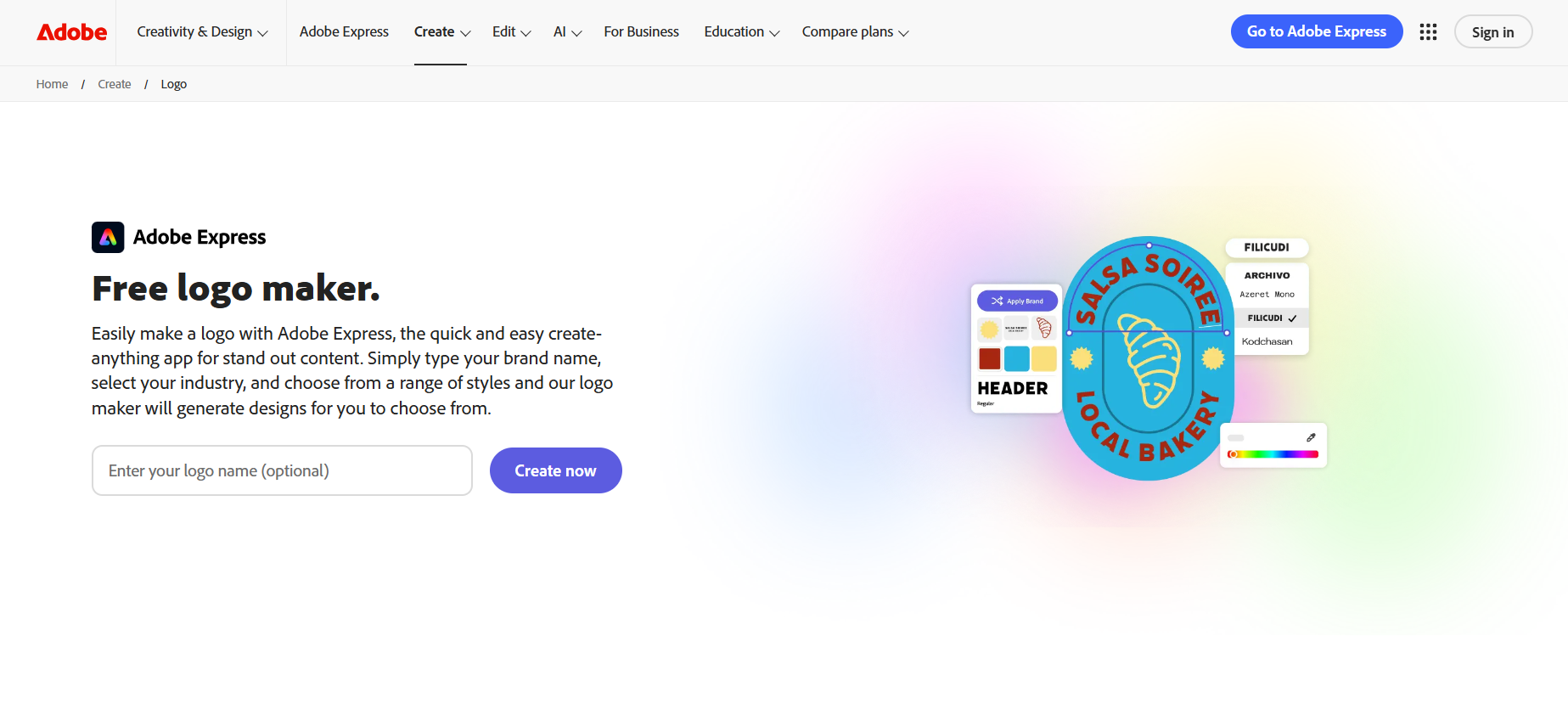
Adobe Express is a web-based and mobile app that combines Adobe capabilities and AI. Its AI Logo Maker provides recommendations and suggestions for fast logo design, enabling anyone to create polished logos with ease.
Features
- Library and assets: Access 50,000+ templates for logos, social media, and marketing materials.
- Ease of use: Use ready-made templates and customize them easily through a guided process.
- File formats: Export your logos in PNG, JPG, or PDF. Vector downloads are also available in paid plans.
- Extra branding tools: Create stock photos, icons, social media templates, and presentations on the same platform.
- Pricing: Free tier; Premium $9.99/month for additional assets and features
How it Works
- Start with AI or templates – You can provide your business name to generate logo ideas or browse through Adobe’s template library.
- Customize your chosen design – Edit fonts, colors, shapes, and layouts with Adobe’s tools.
- Apply branding across all assets – Use Adobe Express’ brand kits to integrate your logo design, colors, and typography on different branding templates.
- Use Adobe assets – Make your logos more polished with Adobe Fonts, stock icons, and design elements.
- Download and publish – Save your logo in high-quality formats for web, social, or print.
Adobe Express is for anyone already familiar with Adobe software. AI will assist you as you work on your logos without relinquishing full creative control.
5. Figma — Collaborative Logo Design with AI Assistance
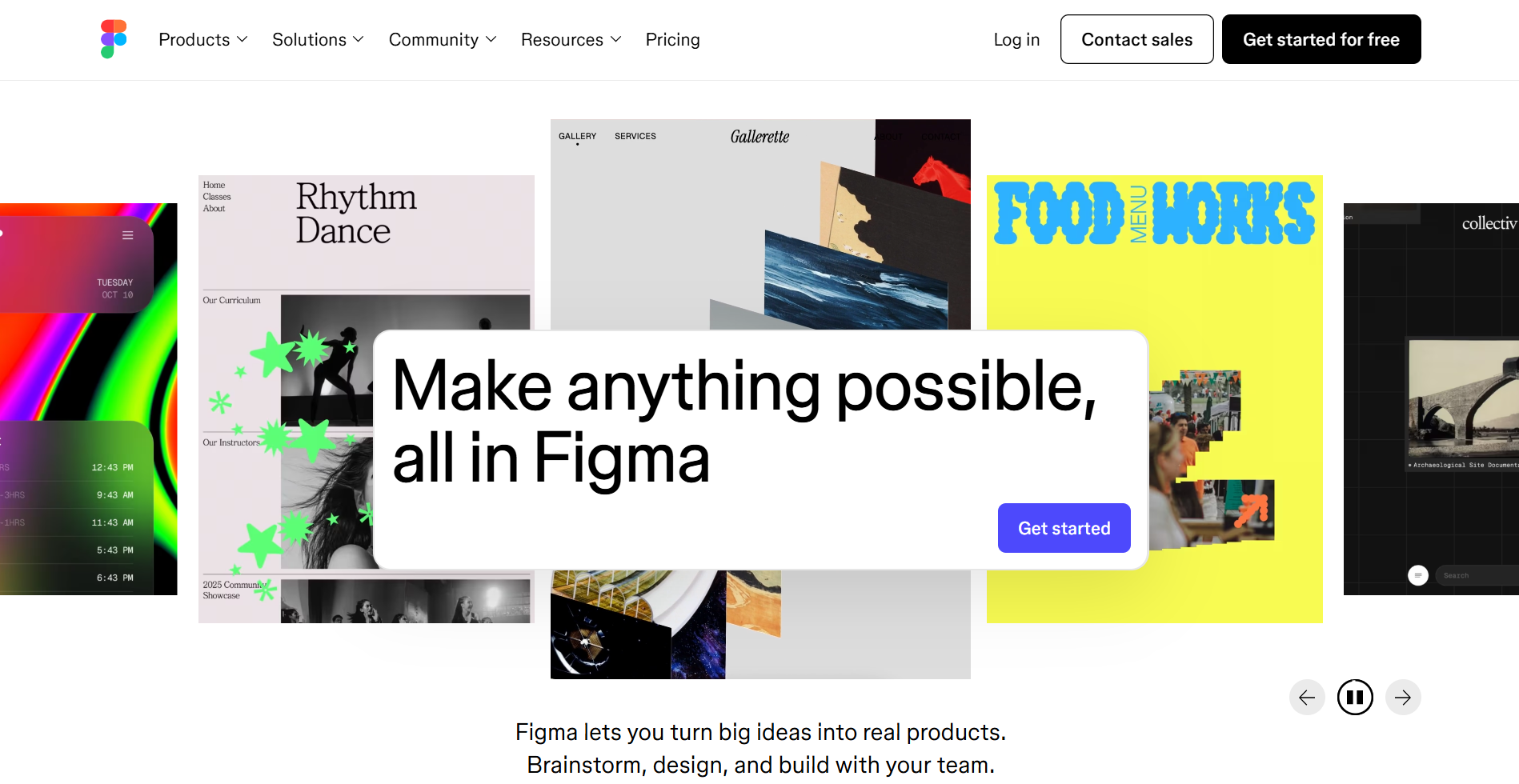
Compared to the first four logo makers, Figma differs with its collaborative interface. It features AI plugins that allow startups and design teams to work together on multiple projects.
Features
- Library and assets: Access thousands of user-generated templates through its plugins.
- Ease of use: More suited to users with some design knowledge
- File formats: Download your final logos in SVG or PNG. Save in other file formats by installing specific plugins.
- Extra branding tools: Create collaborative design files, presentations, social media templates, and more.
- Pricing: Use the platform for free. Upgrade to Pro for $12/month for advanced collaboration.
How it Works
- Start with a new design file – Create a blank document or choose an existing logo template from the Figma community.
- Design your logo manually or with AI plugins – You can use vector tools or install AI plugins to design your logo.
- Collaborate with your team – Enable your team members to edit, comment, and refine logo concepts simultaneously.
- Test your logo – Apply logos to UI mockups, brand kits, or product interfaces to see how it looks.
- Save your logo – Export your files in SVG or PNG, with additional formats available via plugins.
Figma is especially built for small teams that thrive in a collaborative environment. It uses both AI suggestions and hands-on customization to create professional designs.
Quick Platform Overview
Here’s a clear summary highlighting each logo maker’s best use case, recommended users, and pricing.
| Platform | Best For | Who Should Use | Pricing Highlights |
| Design.com | Comprehensive branding tools, like logos, websites, social media, presentations, and more | Businesses and startups that need a full branding suite | Free, Starter ($3/mo), Value ($4/mo), Premium ($5/mo) |
| BrandCrowd | Fast, professional logo creation with extra branding assets | Entrepreneurs and small business owners | Free, Starter ($3/mo), Value ($4/mo), Premium ($5/mo) |
| Canva | Easy-to-use templates for logos and social media graphics | Creators, marketers, and small businesses | Free, Pro ($12.99/mo) |
| Quillbot | Simple, AI-assisted logo creation within an all-in-one AI tools suite | Creators, small businesses, entrepreneurs, and marketers who want quick logos plus other AI tools | Free: up to 3 AI logo generations per day Premium Plan: $4.17/month, Team Plan: Explore via website. |
| Adobe Express | Polished, AI-assisted logos with Adobe ecosystem support | Users familiar with Adobe tools | Free, Premium ($9.99/mo) |
| Figma | Collaborative AI-assisted logo design | Teams and designers | Free, Pro ($12/mo) |
Conclusion
AI-powered logo makers have streamlined the logo-making process. Now, business owners, entrepreneurs, and creators can establish their brands faster than before. They can now generate thousands of logo templates by just providing their business name and customizing their chosen design with beginner-friendly editing tools.
However, despite the amazing features, not all of them can effectively work for you. Start by determining what you really need: do you only need a logo or complete branding assets before looking into the features? Next, set a budget. While most platforms offer free templates, you may need to upgrade if you insist on using premium brand assets. Once you’ve decided, check for smart AI features, available file formats, and the additional branding tools.
Picking the right AI logo maker is crucial, so take the time to plan and evaluate your needs. The right one will not only help you create a logo, but it will also bring you a step closer to achieving your branding goals.